
Last Updated on 4 months ago by Oğuz Yeşil
QR codes are no longer just a pandemic-era workaround for contactless menus. In 2026, businesses of every size are using them to bridge the gap between physical and digital — driving traffic, collecting feedback, sharing information, and measuring engagement in ways that were not possible before. Here are ten practical ways to put QR codes to work for your business today.
1. Digital Business Cards
Printed business cards get lost. A QR code on your card — or on your phone screen — links directly to your contact page, LinkedIn profile, or a digital vCard that saves your details instantly to the recipient’s phone.
This is particularly effective at networking events and conferences, where handing over a phone to scan takes seconds and eliminates the risk of a card ending up in the bin.
💡 Tip: Use a custom-designed QR code that matches your brand colours rather than a plain black-and-white one. It looks more professional and gets scanned more often.
2. Restaurant and Café Menus
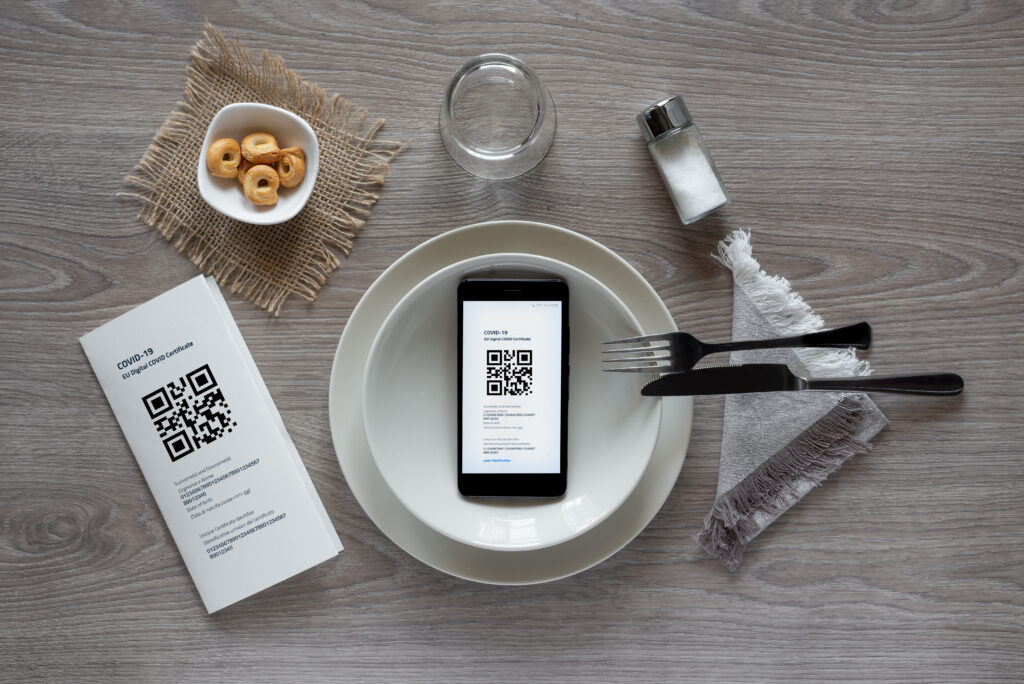
The digital menu became mainstream out of necessity, but it has proven its staying power. A QR code on the table links to an up-to-date menu that can be changed instantly — no reprinting costs when prices change or items sell out.
Restaurants using QR menus also report shorter table turnaround times, as customers can browse and decide before a member of staff arrives.
3. Product Packaging
A QR code on your product packaging can link to a setup guide, a how-to video, warranty registration, customer reviews, or a loyalty programme sign-up. This turns every product you sell into an ongoing touchpoint with the customer — long after the purchase is complete.
For food and drink brands, QR codes on packaging can link to ingredient sourcing information, allergen details, or sustainability credentials — all of which influence purchasing decisions.
4. Print Advertising and Flyers
One of the oldest problems in print advertising is the inability to measure response. A QR code solves this completely. By placing a trackable QR code on a flyer, poster, or magazine ad, you can see exactly how many people scanned it, and when.
Run two versions of a flyer with different QR codes and you have a basic A/B test — something print advertising has never been able to do before.
5. In-Store Signage and Displays
Retail stores use QR codes on shelf labels and product displays to link to extended product information, customer reviews, size guides, or stock availability for other colours and variants. This reduces pressure on staff while giving customers the information they need to make a confident purchase.
QR codes at the point of sale can also link directly to a review platform — asking happy customers to leave feedback at exactly the right moment.
6. Events and Conferences
Event organisers use QR codes for attendee check-in, session access, speaker bios, slide downloads, and post-event feedback forms. A single scan at the door can replace printed tickets and manual registration lists entirely.
For exhibitors, a QR code on a stand banner gives visitors a frictionless way to save your contact details or download a brochure — far more effective than hoping they keep a paper leaflet.
7. Email Signatures and Digital Documents
A QR code embedded in your email signature or in a PDF proposal gives recipients a one-tap route to your website, booking page, or contact form — without having to type a URL. This is particularly useful in contexts where the email or document may be printed and read offline.
8. Social Media and Review Platforms
Growing a social media following or collecting Google reviews is significantly easier when you reduce friction. A QR code that links directly to your Google Business profile review page — placed at the till, on a receipt, or on a thank-you card — makes leaving a review a five-second action instead of a five-minute one.
The same approach works for Instagram follows, newsletter sign-ups, and app downloads.
9. Wi-Fi Access
Instead of writing your Wi-Fi password on a chalkboard or handing out a card, a QR code can connect guests to your network automatically when scanned — no password typing required. This is standard practice in hotels, cafés, and coworking spaces, and takes minutes to set up.
10. Payment and Checkout
QR code payments are growing rapidly, particularly for small businesses that want to accept payments without a card terminal. A QR code linked to a payment page — whether that is PayPal, Stripe, or a local payment provider — lets customers pay by scanning, with no hardware required.
Market traders, pop-up shops, and freelancers find this especially useful as a lightweight alternative to traditional point-of-sale systems.
How to Create a QR Code for Your Business
Creating a QR code takes less than a minute. Use a QR code generator that lets you customise the design to match your brand — colours, style, and format — and includes scan tracking so you can measure performance over time.
Nesdzo’s free QR Code Generator lets you create custom, trackable QR codes with no sign-up required. Set your destination URL, choose your design, and download — ready to use in print or digital in seconds.
Frequently Asked Questions
Are QR codes free to create? Yes. You can create QR codes for free using an online generator like Nesdzo’s QR Code Generator. No account or subscription is needed.
How do I make a QR code for my business? Visit a QR code generator, enter the URL or content you want the code to link to, customise the design if needed, and download the image. The whole process takes under a minute.
Can I track how many people scan my QR code? Yes, if you use a trackable QR code generator. Nesdzo’s QR Code Generator includes scan tracking, so you can see exactly how many times your code has been scanned.
Do QR codes expire? Static QR codes do not expire — they will work as long as the destination URL is active. Dynamic QR codes may expire depending on the platform, so always check the terms of the tool you use.
What size should a QR code be for print? For reliable scanning, a QR code should be at least 2 cm × 2 cm in print. For posters and signage viewed from a distance, scale it up proportionally — a code on a billboard needs to be much larger than one on a business card.